

 Equity management

 Equity management
- Fund management

 Fund management
 - Fund managementFund management
- Fund managementFund management




Switching cap table providers can feel like the scariest decision on a founder's to-do list. The data is sensitive, the stakes are high, and most guides make it sound like a weekend-long ordeal. It isn't, as long as the platform you're moving to actually shows up for the migration.
Carta built a platform for large, well-resourced companies. But for most early and growth-stage teams, that complexity shows up as cost, friction, and a support experience that leaves you to figure things out on your own. If any of the following sound familiar, it might be time to look elsewhere:
That last point is the one that keeps most founders stuck. The fear isn't really about Carta, it's about the migration itself. So let's walk through exactly how it works.
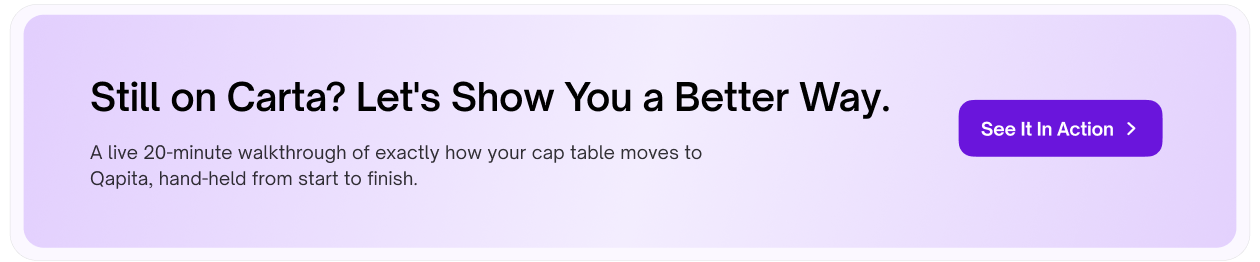
This is usually the next question, once timeline is settled because “what exactly are you moving” determines whether you'll need to do any manual re-entry afterward. Short answer: no. A complete migration carries over your cap table, your equity awards, and your valuation history, not just a static snapshot.
The valuation piece is worth calling out specifically, since it's easy to assume only cap table line items move. Your historical 409A reports and supporting methodology migrate along with everything else so your valuation history stays intact for audit and compliance purposes, and your next 409A on Qapita builds on real historical context instead of starting from a blank file.
Once a Carta subscription is cancelled, platform access ends and anything left behind becomes much harder to retrieve. Complete these steps first, regardless of which migration path you choose:
Don't skip verification.
Cancelling before confirming your export is complete is the single most common way founders lose historical data during a platform switch. Qapita's team can help you verify your export before you submit the cancellation.
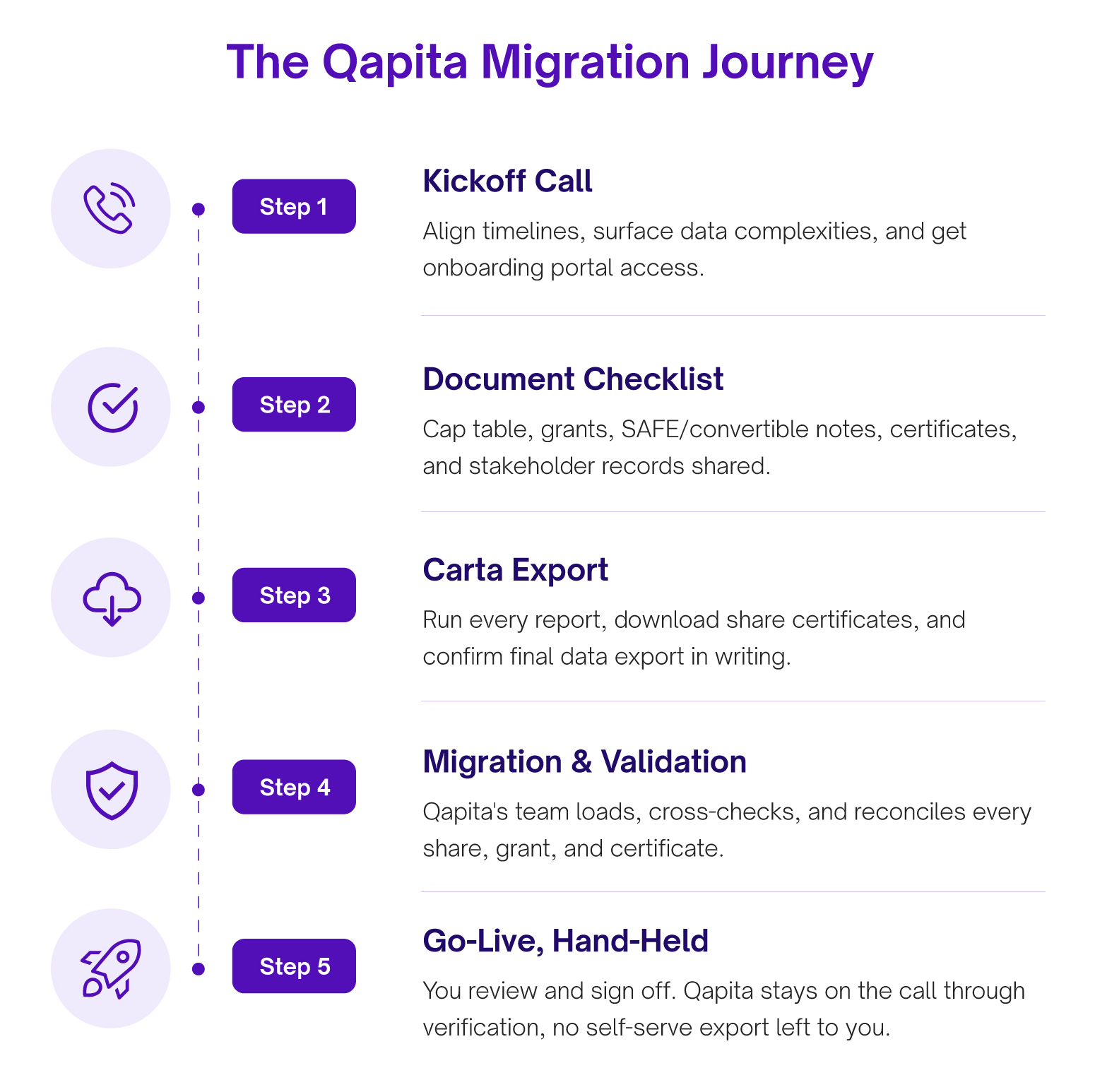
Qapita's onboarding checklist is built specifically around what Carta exports look like, so nothing gets lost in translation. For companies migrating from Carta, the team will ask for:
Alongside this, Qapita also shares its own Carta offboarding guide step-by-step instructions on exactly how to download and extract data from Carta, so you're never guessing which button to click.
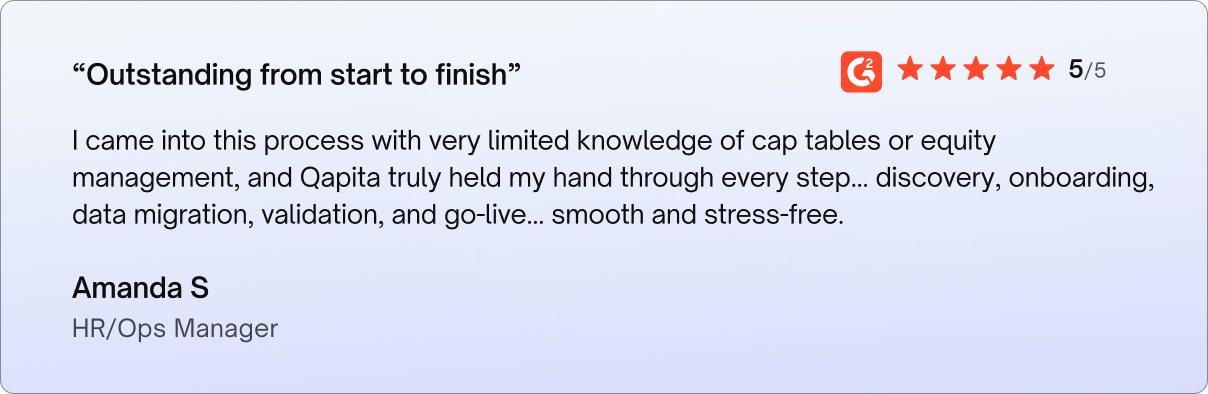
This is where the hand-holding really shows up. Qapita's team loads your data, cross-checks it against your original Carta exports, and flags any discrepancies for your review rather than guessing or pushing an unverified cap table live. You review, approve, and go live with confidence that every share and every grant is accounted for.
Qapita offers two migration paths depending on how hands-on you want to be. Either way, you're never left staring at a CSV file wondering what to do next.
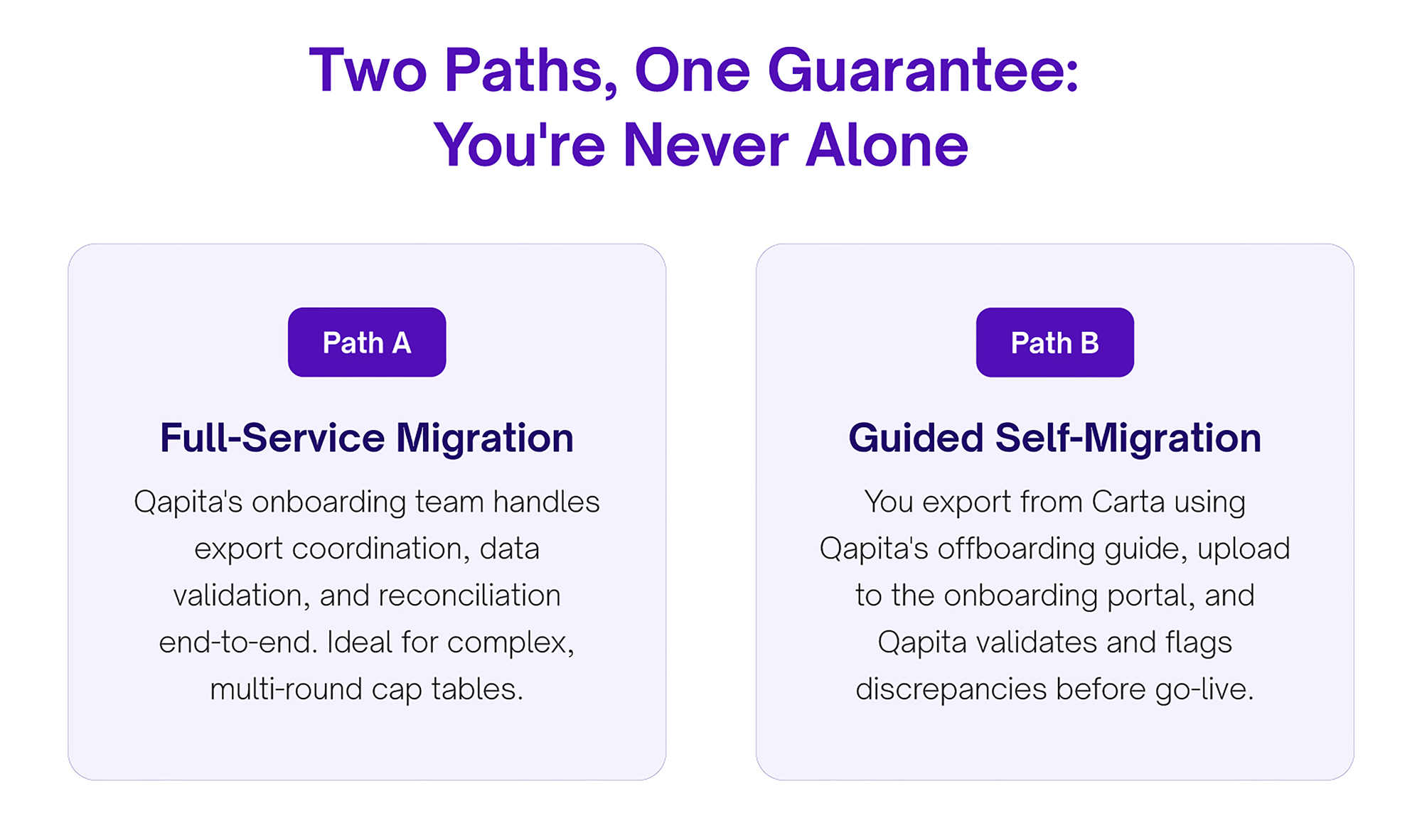
Qapita's onboarding specialists coordinate directly with your team to pull every record out of Carta, validate it, and load it into your new cap table, reconciled and ready.
If you'd rather export the data yourself, Qapita provides a complete Carta offboarding guide and a document checklist so nothing gets missed. You upload your files to the onboarding portal, and Qapita's team validates everything before you go live.
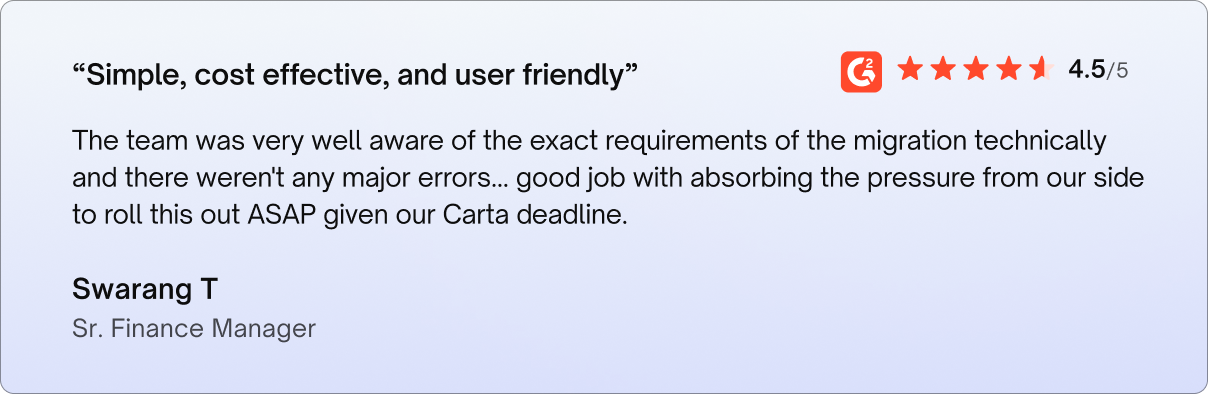
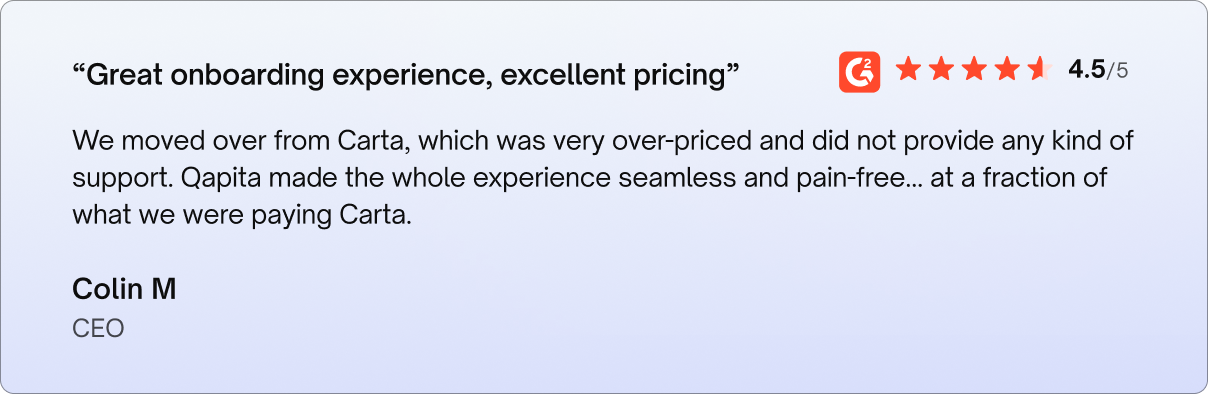
These aren't hypothetical benefits; they're drawn directly from verified G2 reviews written by companies that made the move from Carta to Qapita.
Beyond the Carta-specific exports, a smooth migration also depends on having your foundational equity documentation ready:
Migrating away from Carta doesn't have to mean weeks of manual exports and crossed fingers. With Qapita, you get a dedicated onboarding team, a documented checklist built for exactly this transition, and validation at every step.
Unlike a self-serve export-and-hope process, Qapita's onboarding team is with you from the first kickoff call to go-live. That hands-on approach is a big reason Qapita is rated #1 on G2 for customer satisfaction among cap table and equity management platforms.
Not if you export and verify before cancelling. Following the pre-cancellation checklist above, and having Qapita's team validate your export, is what prevents data loss most reported losses happen when companies cancel Carta before confirming every report downloaded.
In most cases, no. Digital share certificates and existing signed agreements like SAFEs or option agreements signed via DocuSign transfer along with your records rather than requiring stakeholders to take new action.
Ans: Qapita's onboarding and migration support is provided as part of getting set up on the platform, there's no separate line-item migration fee. Ask your onboarding contact for a quote specific to your cap table's complexity.
That's exactly the scenario the full-service migration path is built for. Qapita's onboarding team reconciles multi-entity and multi-jurisdiction cap tables as part of a normal migration, not as a special case.
Cap table records, equity grants, shareholder information, financing data, and historical documents.
Yes, historical grants, issuances, transfers, and financing events are typically migrated and validated.
Common reasons include pricing considerations, scalability requirements, regional support needs, and operational flexibility.