


 Equity management

 Equity management
- Fund management

 Fund management
 - Fund managementFund management
- Fund managementFund management


.png)

A financial data extraction tool is software that pulls figures and tables out of financial documents, such as bank statements, invoices, balance sheets, K-1s, fund reports, and filings, then converts them into structured formats like Excel, CSV, JSON, or a direct feed into QuickBooks, Xero, or an enterprise resource planning (ERP) system. The goal is speed, accuracy, and less manual entry.
Two technologies do the heavy lifting: OCR and AI. Older tools rely on OCR alone, which reads characters off a page and works well when layouts stay consistent. Its limitation shows up in template-based OCR specifically: it breaks the moment a document shifts format, adds a column, or arrives as a low-quality scan.
Newer tools solve this by layering AI and large language models (LLMs) on top of OCR to interpret context, so they can find "total revenue" even when it moves around the page. This is why AI-driven extraction handles varied layouts better, though it still degrades on handwriting, dense footnotes, and poor scans.
We evaluated each tool against five things that actually decide whether a purchase pays off: document breadth, accuracy on non-standard layouts, integrations with your accounting stack, pricing transparency, and security posture. We prioritized tools that publish enough detail to shortlist honestly.
Where a vendor states an accuracy or speed number, we label it as a vendor claim, since those figures rarely come with independent benchmarks you can reuse, and we note vendor pricing only where a public plan exists. Either way, verify both against your own document mix at demo; your results will differ from any published number.
Use this table to narrow to two or three tools, then read the detailed sections below. Vendors list the starting prices below where public plans exist.
Here's how each tool breaks down.
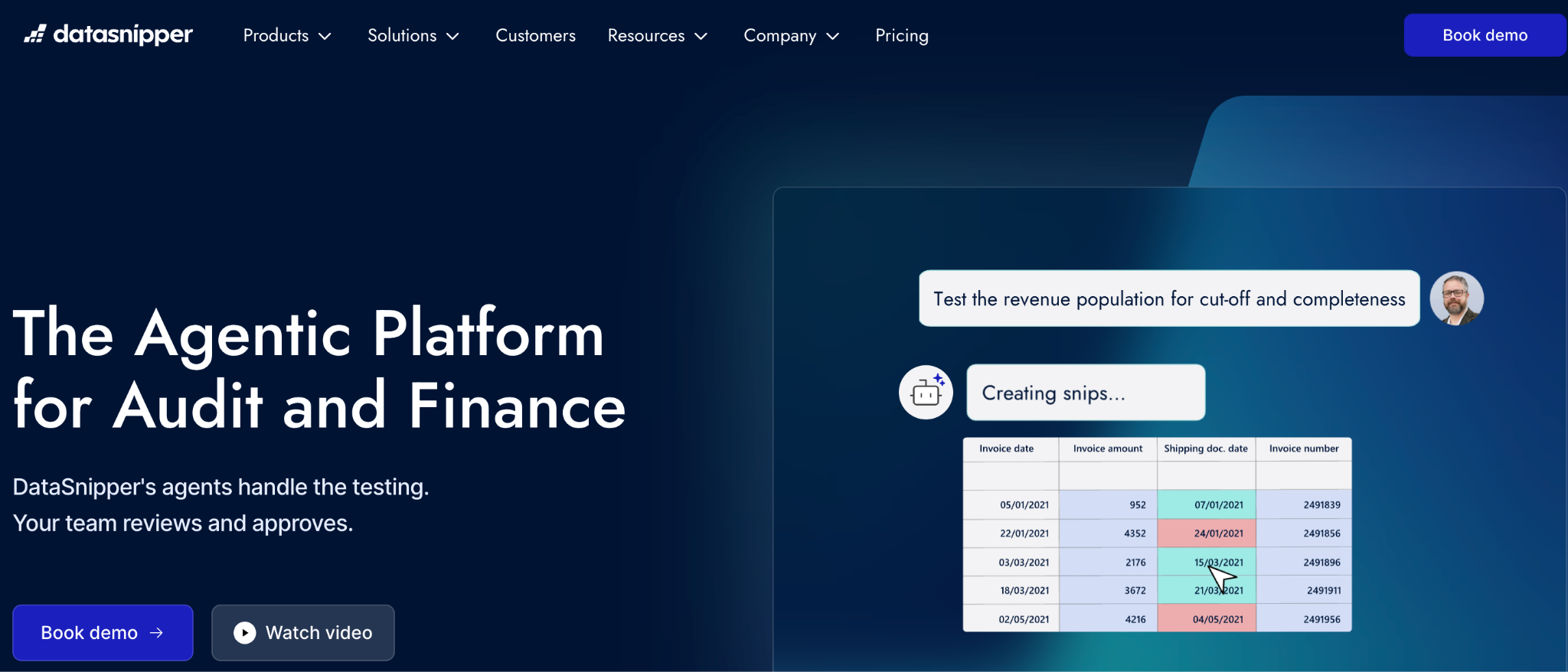
Best for: External and internal audit teams that already work primarily in Excel.
Datasnipper is an Excel-native extraction and document-matching tool built for auditors and accountants who live inside spreadsheets. It lets you snip data straight from source documents into your working papers, keeping an audit trail intact.
Key features of Datasnipper
Datasnipper's pricing:
Datasnipper doesn't publish pricing, it's quoted per deal based on team size and tier. Since audit teams often buy seat-by-seat across a busy season, ask specifically how pricing flexes if headcount spikes during peak audit windows, and get the annual commitment terms in writing before signing.
Pros and cons: The excel-native workflow is a genuine strength for audit teams, and Datasnipper cites a case study with BDO reporting a threefold efficiency gain, quoted to senior manager Marco de Kruijk, which the company presents as its own claim. On the downside, it is not built for automated API pipelines feeding downstream systems.
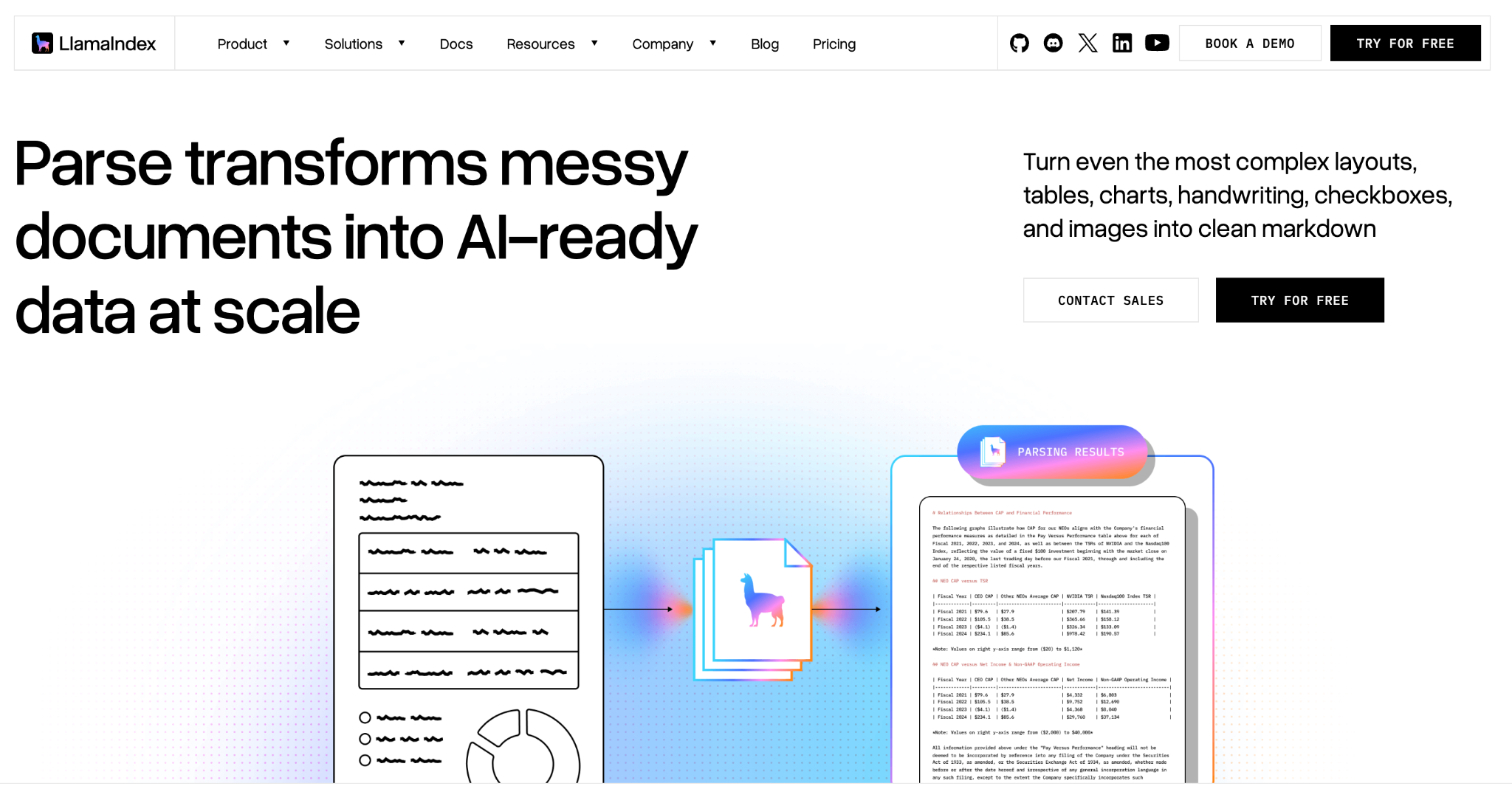
Best for: Engineering and data teams building custom extraction workflows.
LlamaParse, from LlamaIndex, is built for engineering teams building extraction into their own products rather than for finance users seeking a ready-made tool. It converts complex documents into structured, layout-aware output suited to pipelines and LLM applications.
Key features of LlamaParse
LlamaParse's pricing:
LlamaParse is usage-based, so cost scales with how many pages you process, and there's a free tier for testing before you commit. That suits teams that want to trial it on real documents first. Because it's consumption-priced, model your expected page volume so the bill stays predictable at scale.
Pros and cons: Strong fit for teams that want to build, with flexible output for downstream processing. LlamaParse advertises parsing speeds that can run under three seconds per page and SOC 2 Type II compliance, both of which are vendor claims you should confirm during a security review. The tradeoff is that you own the pipeline and its maintenance, which is a real cost for a finance team without engineering support.
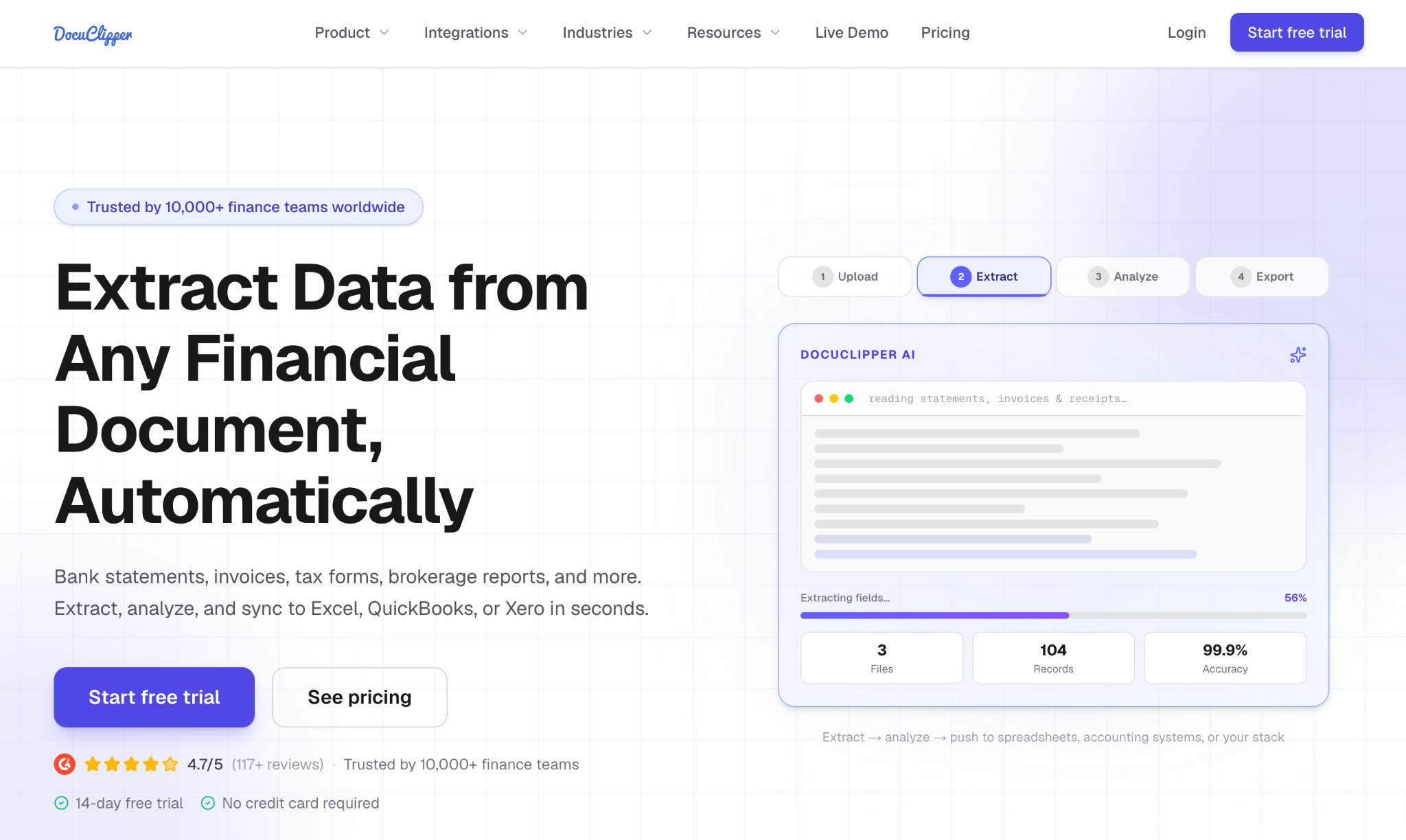
Best for: Teams processing high volumes of bank and brokerage statements.
DocuClipper specializes in bank and brokerage statements, converting them into structured, reconciled data. It targets bookkeepers, accountants, and finance teams drowning in statement PDFs rather than trying to cover every document type.
Key features of DocuClipper
DocuClipper's pricing:
DocuClipper publishes its pricing, starting at roughly $39 per month, with tiers that scale by processing volume. That makes it one of the easier tools here to trial without a sales call. Match your monthly statement volume to the right tier so you're not overpaying for capacity you won't use.
Pros and cons: Purpose-built for statements, which is exactly where generic tools struggle. DocuClipper advertises very high field-level accuracy on statements and exports to Excel, CSV, QuickBooks, and Xero, which the company presents as its own claims. It is narrower than general-purpose parsers, by design, so it's a poor fit if your document mix goes well beyond statements.
Best for: High-volume AP and finance operations feeding an ERP.
Nanonets positions itself as a machine-learning OCR platform for high-volume accounts payable and finance workflows, including balance-sheet and invoice extraction. It fits teams that process thousands of documents a month.
Key features of Nanonets
Nanonets' pricing:
Nanonets quotes are built around your monthly volume and how much workflow automation you need on top of extraction. Because pricing includes setup and model training time, ask upfront how long onboarding typically takes for your document type before you commit to a contract length.
Pros and cons: Model training can improve results on your specific documents over time, which matters at scale. Setup and tuning take effort, so it rewards teams with genuine volume rather than occasional extraction needs.
Best for: Lenders and underwriting teams processing applications at decision speed.
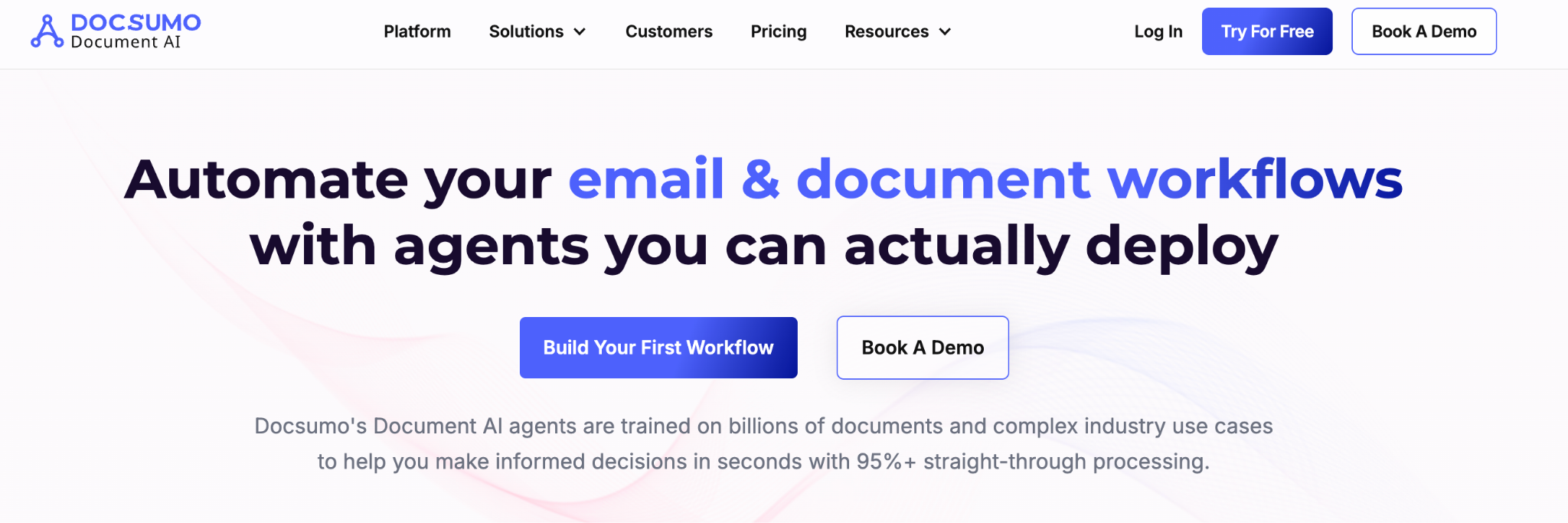
Docsumo is built for lending and underwriting workflows, where its main differentiator is cross-document validation, checking that figures on a bank statement, pay stub, and loan application agree with each other before a file reaches an underwriter, rather than extracting each document in isolation.
Key features of Docsumo
Docsumo's pricing:
Docsumo prices by document type and monthly volume, which matters here because lending documents vary widely in complexity, a driver's license and a tax transcript aren't priced the same. Bring a real sample set of your application documents to the sales call so the quote isn't based on a generic estimate.
Pros and cons: Tuned for lending workflows where decision speed is the point. As with most category-specific tools, it is a strong fit inside its niche and less relevant outside it.
Best for: Accounting teams managing lease and revenue accounting under ASC 842.
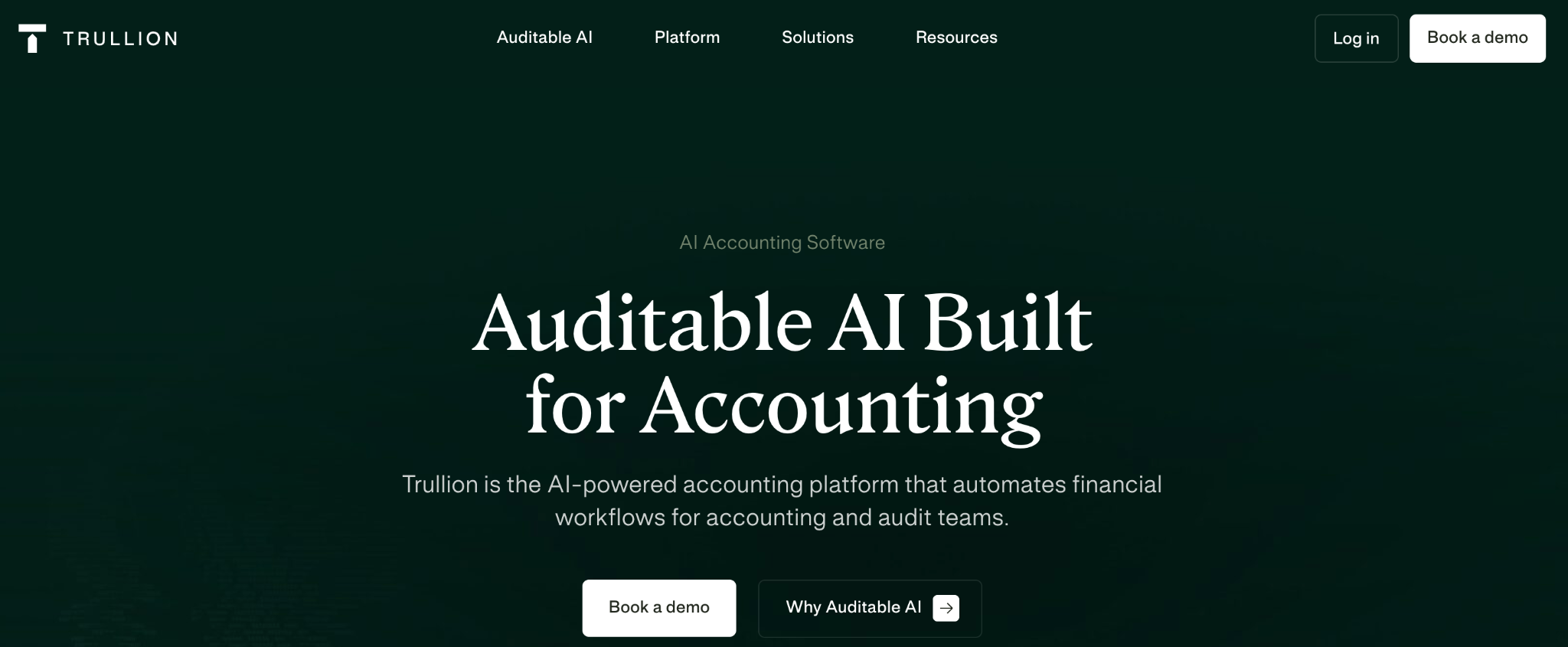
Trullion focuses on lease and revenue accounting, with workflows built around the ASC 842 lease accounting standard. It targets accounting teams managing lease and revenue data at scale.
Key features of Trullion
Trullion's pricing:
Trullion's pricing depends on how many leases and contracts you're managing and whether you need both lease and revenue accounting or just one. Since ASC 842 compliance is the whole point of buying it, confirm during the sales call that audit-trail and reporting features aren't reserved for a higher tier than the one you're quoted.
Pros and cons: Genuinely useful for US accounting teams handling lease compliance, since it maps extraction directly to the accounting outcome. It is specialized, so it is not the tool for general-purpose document extraction.
Best for: Teams parsing emails, invoices, and receipts without code.
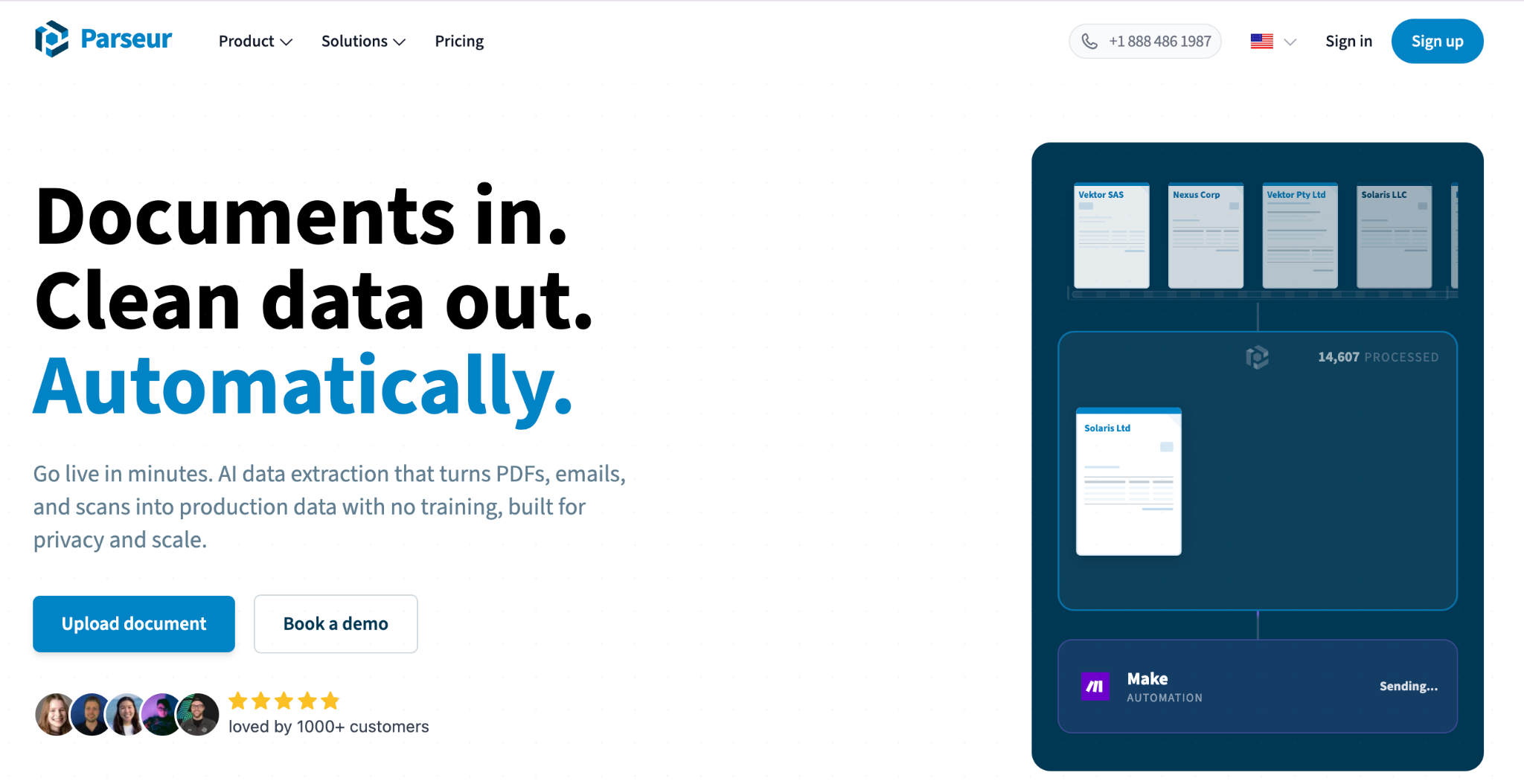
Parseur is a no-code parser that combines templates with AI to extract data from emails, invoices, and receipts. It targets teams that want fast setup without engineering help.
Key features of Parseur
Parseur's pricing:
Parseur offers a free tier for low volume, then moves to paid plans as you scale. That lets you trial it on real documents before committing. Check the volume limits on the free tier so you know where paid pricing kicks in.
Pros and cons: Quick to stand up and friendly for non-technical users, which suits recurring, structured documents. It is less suited to complex, variable financial statements with dense tables.
Best for: Large enterprises standardizing order-to-cash document processing.
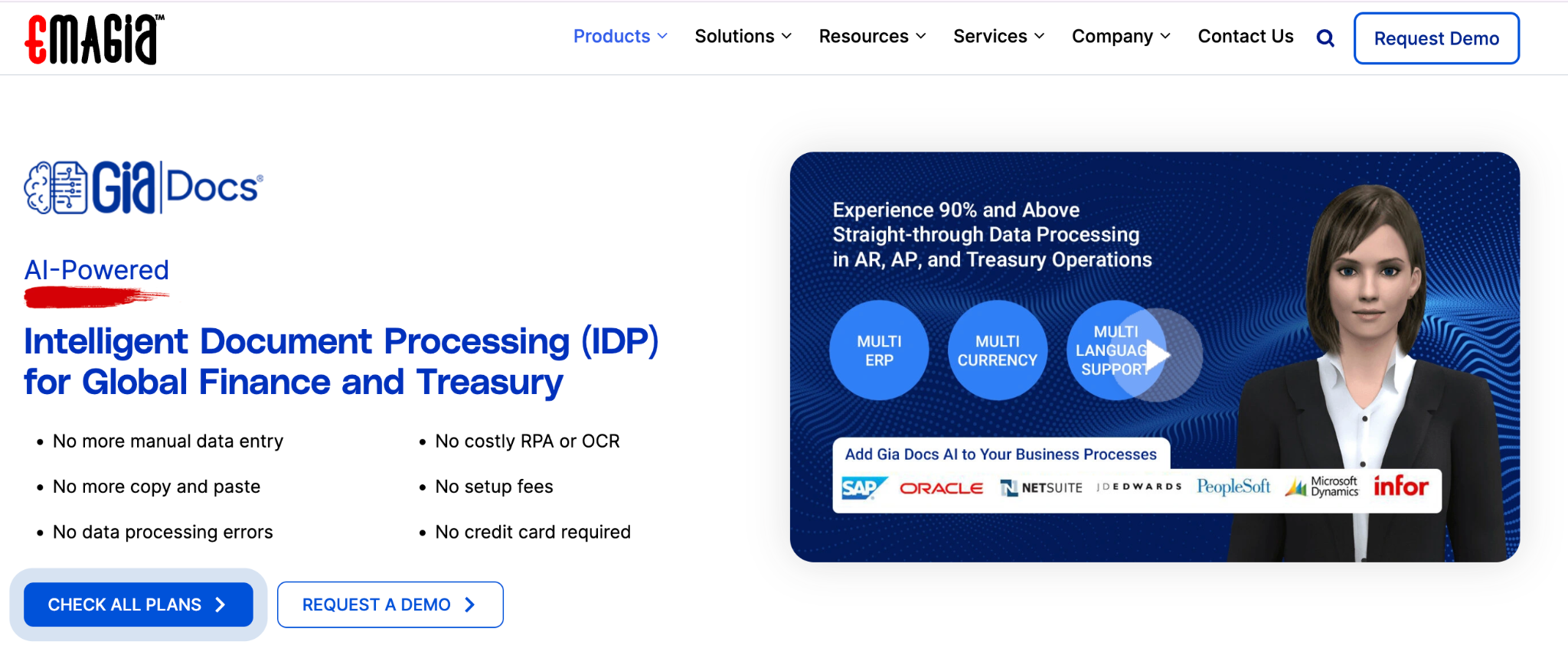
Emagia's GiaDocs AI targets enterprise order-to-cash and receivables workflows with AI-driven document processing. It aims at large finance organizations standardizing extraction across high volumes.
Key features of Emagia GiaDocs AI
Emagia GiaDocs AI's pricing:
Emagia prices for enterprise order-to-cash deployments, so quotes are shaped by receivables volume and how many workflow steps you're automating beyond extraction itself. Given the enterprise scale this tool targets, expect a longer procurement cycle, and loop in IT early, integration scope tends to drive the final number as much as document volume does.
Pros and cons: Built for enterprise scale, and Emagia cites analyst recognitions along with claims of over 99% accuracy and ROI within six months, all of which the company presents as its own statements without published methodology. Treat those figures as claims to validate, not benchmarks.
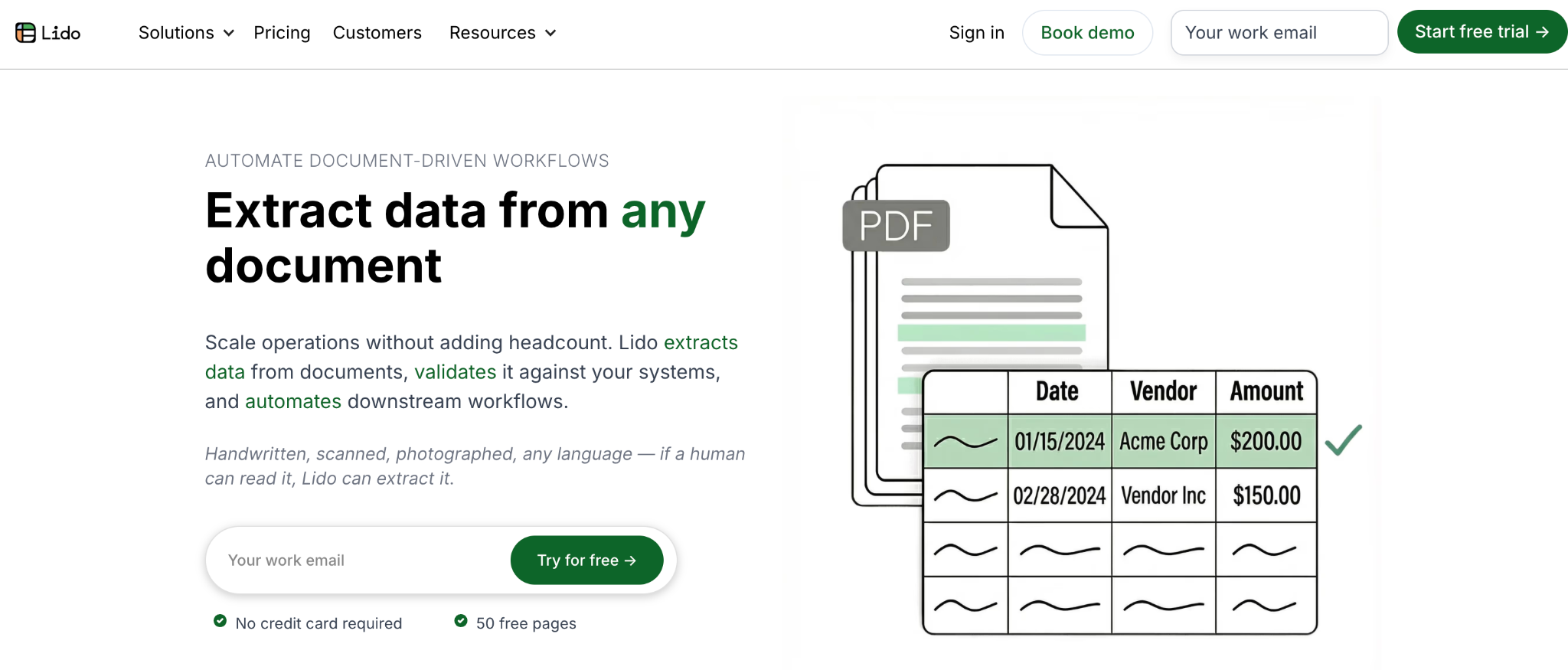
Best for: Small teams with straightforward, spreadsheet-based needs.
Lido is a spreadsheet-native tool that suits lower-budget, simpler extraction and reporting needs. It targets small teams that want extraction close to where they already work.
Key features of Lido
Lido's pricing:
Lido publishes its pricing, starting at roughly $29 per month. That makes it easy to trial without a sales call. Check which features sit on the entry tier so it covers what you need before you commit.
Pros and cons: Affordable and easy to start, which is its whole appeal for budget-conscious teams. It is limited on complex, multi-table layouts, so match it to simpler documents.
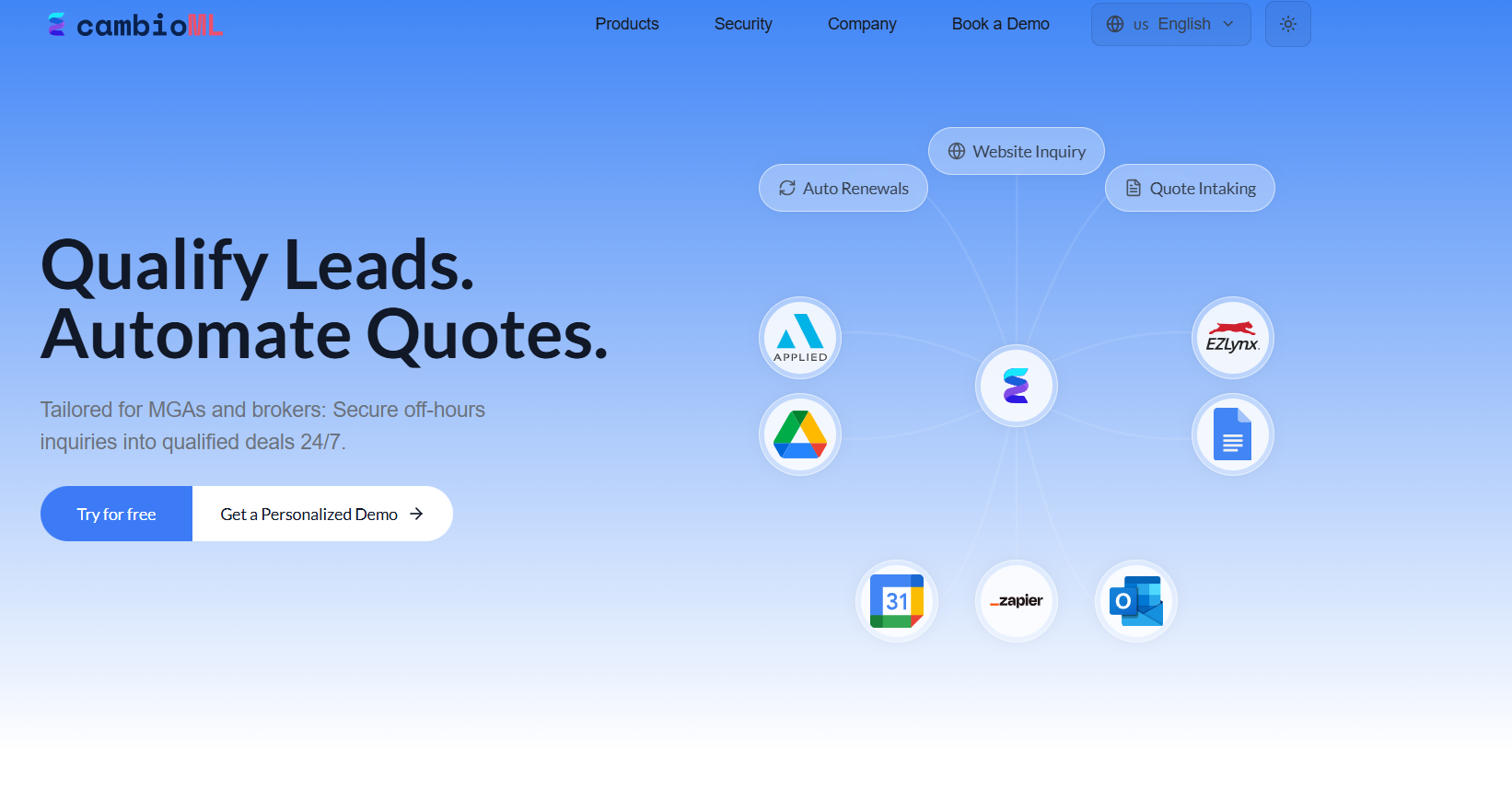
Best for: Developer teams building and running their own extraction pipelines.
CambioML provides AI and LLM-based extraction pipelines aimed at developers building document workflows. It fits teams comfortable integrating and maintaining their own pipeline.
Key features of CambioML
CambioML's pricing:
CambioML lists plans starting at roughly $499 per month, so it sits at the higher end of the self-serve options here. That price point suits teams building extraction into a product rather than occasional users. Confirm what volume and features the entry plan covers before committing.
Pros and cons: Flexible for developers who want programmatic control over extraction. As with any build-oriented option, you take on pipeline maintenance in exchange for that control.
Never buy on a demo built with the vendor's clean sample files. Run your own documents through a trial and measure the result. The honest truth is that manual review rarely reaches zero, so your goal is to measure how much it shrinks, not to expect it to vanish.
1. Test your single worst scanned PDF, not the clean example the vendor provides
2. Check whether multi-year tables stay continuous and correctly aligned on export
3. Confirm footnotes and reference marks get captured, since these break many tools
4. Verify the export format lands cleanly in Excel, CSV, JSON, or your ERP
5. Time the manual-review effort per document, before and after the tool
6. Ask how the vendor measures accuracy, and on what document types
7. Run a security review covering SOC 2 Type II, encryption, and data residency
Financial documents carry sensitive data, and much of it touches SEC filings and IRS reporting, so security is a procurement gate, not a nice-to-have. Before you shortlist, confirm the tool clears a baseline your auditors and counsel will accept.
Pick the tool that matches your documents The right choice comes down to your document mix, not headline accuracy numbers. High-volume invoices and bank statements favor a purpose-built tool like Nanonets or DocuClipper. Consistent, low-volume documents favor a no-code parser like Parseur. Complex, non-standard layouts favor an AI-native tool like LlamaParse or CambioML, provided you have the engineering time to run it. Whichever direction you go, pilot the tool on your worst document before you buy, not the vendor's clean sample file, and run it through the security checklist above. That single step detects most of the gap between a headline accuracy number and what you'll actually see in production. If your extraction problem is specifically equity and cap table data, book a demo with Qapita to see how it handles reconciliation, not just extraction, against your own cap table.
You have three main routes. Manual entry works for a handful of documents but scales poorly and invites errors. OCR reads text off consistent layouts and suits standardized statements. AI and LLM-based tools interpret context, so they handle varied formats and scanned documents better. Most finance teams combine an AI-driven tool with a manual review step, since no method eliminates review entirely.
Yes for clean, structured PDFs, where AI-driven tools handle varied layouts well and preserve tables reliably. Accuracy degrades on low-quality scans, handwriting, and dense footnotes, which is where most extraction breaks. Treat every "99% accuracy" figure as a vendor claim until you test it on your own documents. Always keep a validation step, because no tool removes manual review completely.
There is no single best tool, because "best" depends on your document type. Auditors working in Excel often favor Datasnipper, developers building pipelines often favor LlamaParse or CambioML, statement-heavy teams often favor DocuClipper, lenders often favor Docsumo, and teams reconciling equity and cap table data often favor Qapita. Match the tool to the messiest document you actually process, then pilot it before committing.
Yes, some tools offer free tiers or low-cost entry plans. Parseur offers a free tier for low-volume parsing, and LlamaParse offers a free tier for testing. Lido's public pricing starts around $29 per month. Free tiers usually cap document volume and limit advanced features, so they suit trials and simple, recurring documents rather than high-volume or complex financial statements.
Python libraries such as pdfplumber, PyPDF, and Camelot can pull text and tables from PDFs, and you can layer an LLM on top to interpret messy layouts. This works for engineering teams with time to build and maintain a pipeline. At scale, weigh the build-versus-buy tradeoff, since maintenance, edge cases, and accuracy tuning often cost more than a purpose-built tool.
This article is for informational purposes only and is not legal, tax, financial, or investment advice. Consult a qualified professional before making decisions related to 409A valuations, equity taxation, or securities compliance.